Flow
Flow 📃
Let your tasks drift naturally into view.
Welcome to Flow, a distraction-free, floating task awareness tool. Instead of staring at a rigid, overwhelming to-do list, define your schedules and let your tasks drift onto your screen exactly when you need to see them. If you miss a standard task, it naturally expires and floats away - keeping your workspace clean and your mind focused.
⚠️ Important Note on Storage: Flow runs entirely in your browser and saves your setup to your local storage. If you clear your browser cache, your local data will be wiped. Always use the 'Export / Import' tools in the Data tab to back up your schedules, or configure optional Cloud Sync to keep your progress saved across devices.
🎮 How to Use Flow
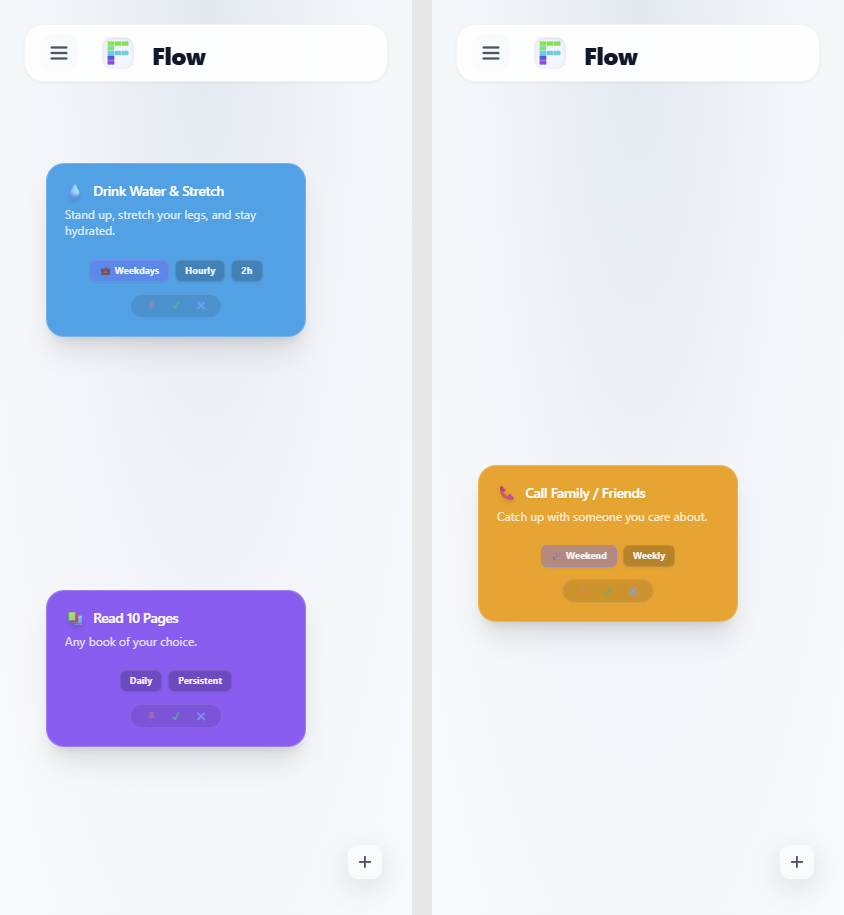
- Wait & See: Tasks spawn as floating cards on your screen based on the schedules and lifespans you configure.
- Take Action: Hit the Checkmark (✓) to complete a task, the X (✕) to drop it, or the Pin (📌) to lock it permanently to your screen until you're ready.
- Let it Drift: If you ignore a standard task, it will eventually reach the end of its lifespan and disappear automatically.
✨ Core Features
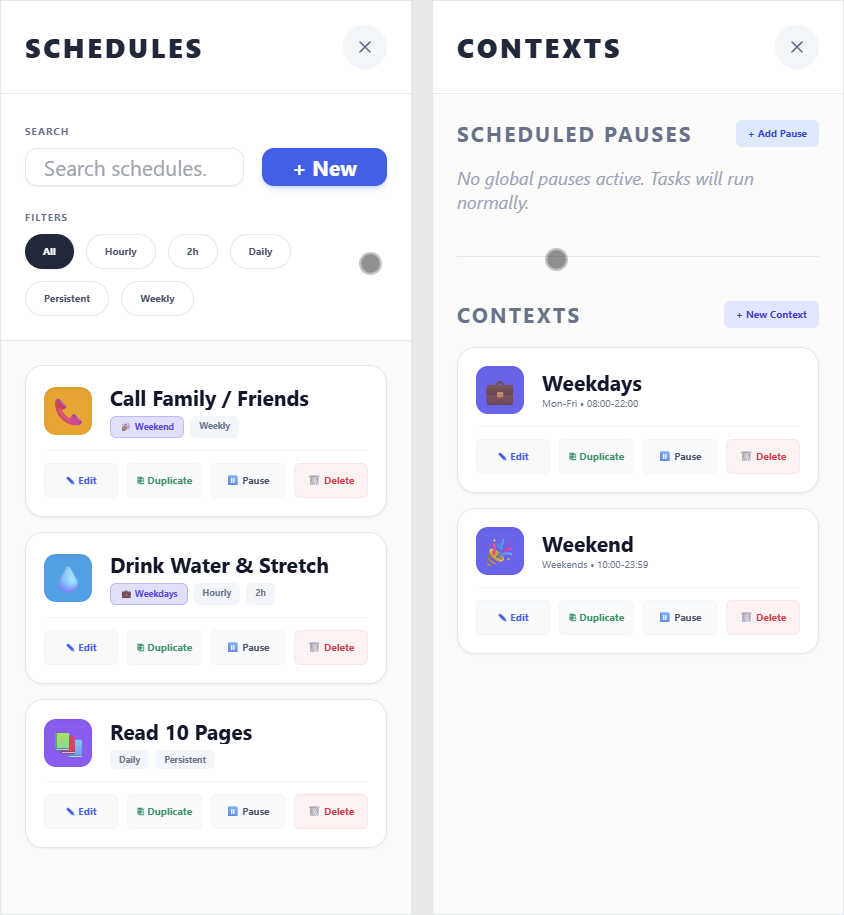
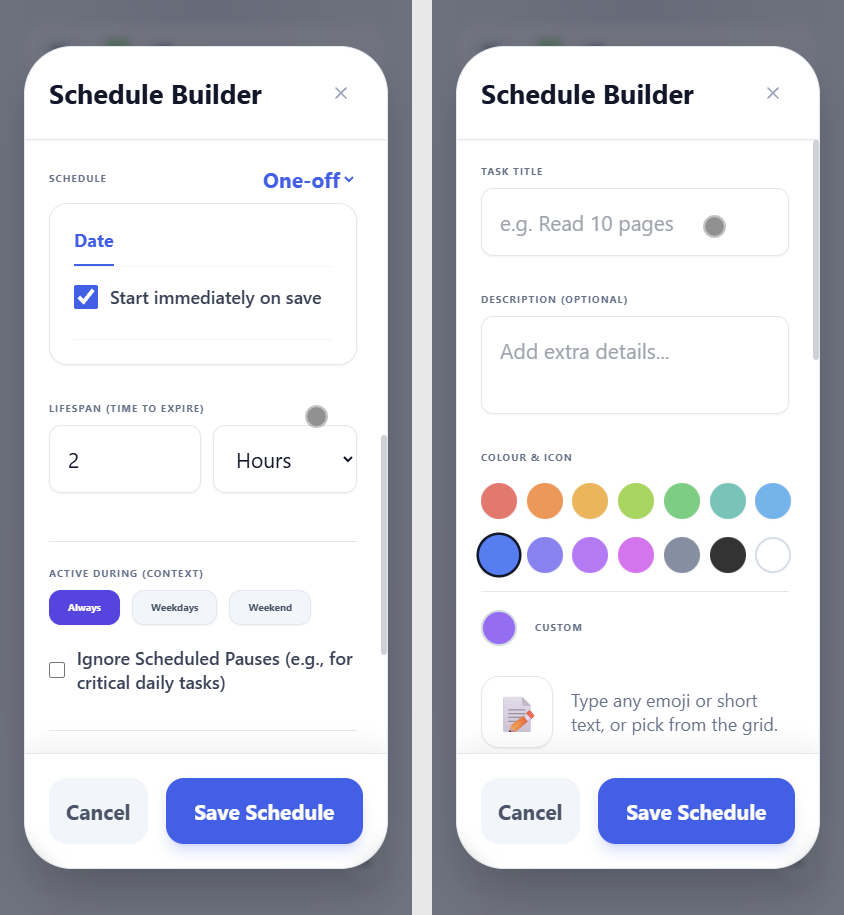
- Smart Scheduling: Create one-off reminders or complex recurring tasks (hourly, daily, weekly, monthly). Set a custom "lifespan" (e.g., 2 hours) to control exactly how long a task stays relevant.
- Contexts & Blockouts: Gate your tasks so they only appear when appropriate. Create a "Work" context (e.g., Mon-Fri, 09:00-17:00) so weekend tasks don't bother you, or schedule global pauses for holidays.
- Persistent Tasks: Some things can't be ignored. Mark critical tasks as "Persistent." If you miss them, they won't expire—they'll pile up in an Overdue zone at the top of your screen until you deal with them.
- Deep Customization: Tailor the app to your liking. Switch between Light and Dark themes, choose Standard or Compact card layouts, adjust text sizes, and assign custom colors and emojis to every task.
Leave a comment
Log in with itch.io to leave a comment.